
Your account and API keys
Ce contenu n’est pas encore disponible dans votre langue.
Your account
Section titled “Your account”Your name is at the bottom of the left menu. Select it for Your account, Your API keys, Appearance, Getting started and Sign out.
Profile has:
- Password: Change password. Changing it ends your other sessions. The one you are using stays open.
- This session: how you are signed in.
- What you may do: the rights your roles give you.
- Developers: a link to your API keys.
- Sign out.
Sign in and forgotten password
Section titled “Sign in and forgotten password”The sign-in page says Welcome back. and asks for your e-mail address and password. If you forgot your password, select Forgot your password?, give the e-mail you sign in with, and select Send me a link. A link to choose a new password is sent to it, and holds one hour. After Change and sign in, your other sessions end. When the workspace cannot send e-mails, the page says that the owner gives you a new password.
If you lost the link of your invitation or of a new workspace, a hosted workspace page tells you to get it again at www.agentivity.io/find: see Find your workspace again.
API keys
Section titled “API keys”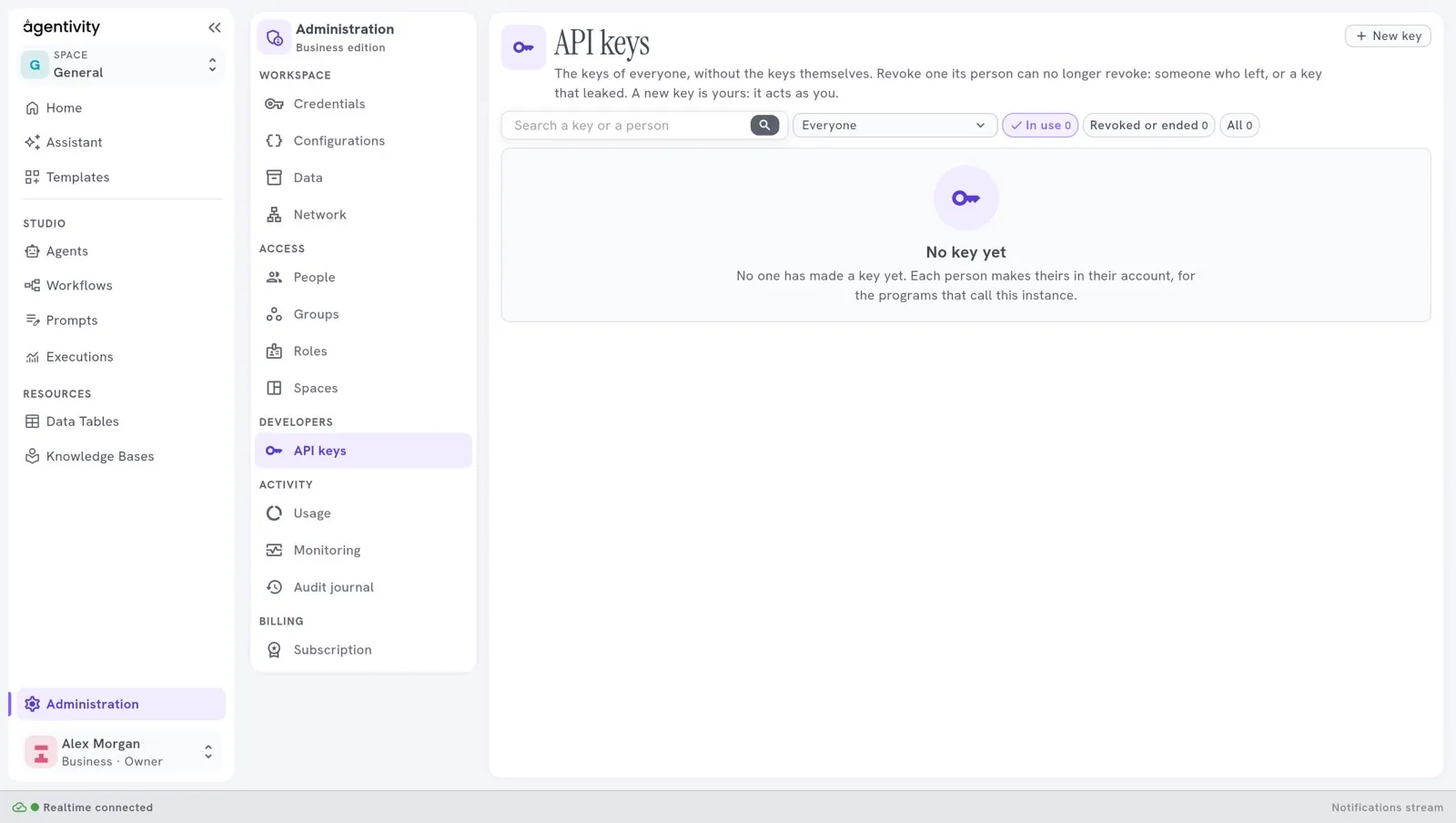
A program that calls your workspace gives its own key, as Authorization: Bearer <key>. A key does what you can do, never more, and stops when you revoke it. To make a key, open Your API keys under your name, and choose:
| Kind | What it is for |
|---|---|
| Everything in the API | A program that does what you do. |
| Read only | A program that only reads. |
| AI assistant (MCP) | An AI assistant that connects to the workspace. |
| On a website | A key safe to put in a web page: it talks to one agent, team or workflow, from the sites you list, with a limit of conversations a minute. Not in the Community edition. |
You also choose when the key ends: 30 days, 90 days, a year or Never. The key is shown once, when you make it: copy it then. Revoke stops a key at once.
The pane API keys in the group Developers of Administration shows the keys of everyone, without the keys themselves, for the people allowed to manage them. How many keys a plan allows is in Plans and their limits.