
Workspace panes: credentials, data and network
Ce contenu n’est pas encore disponible dans votre langue.
The group Workspace of Administration has four panes.
Credentials
Section titled “Credentials”The keys and accounts that your agents, teams and workflows connect with: an AI model, a mailbox, a search service. The pane is the one described in The Settings screen and in Manage credentials. When spaces are on, a credential is for Every space or Only in one space.
Configurations
Section titled “Configurations”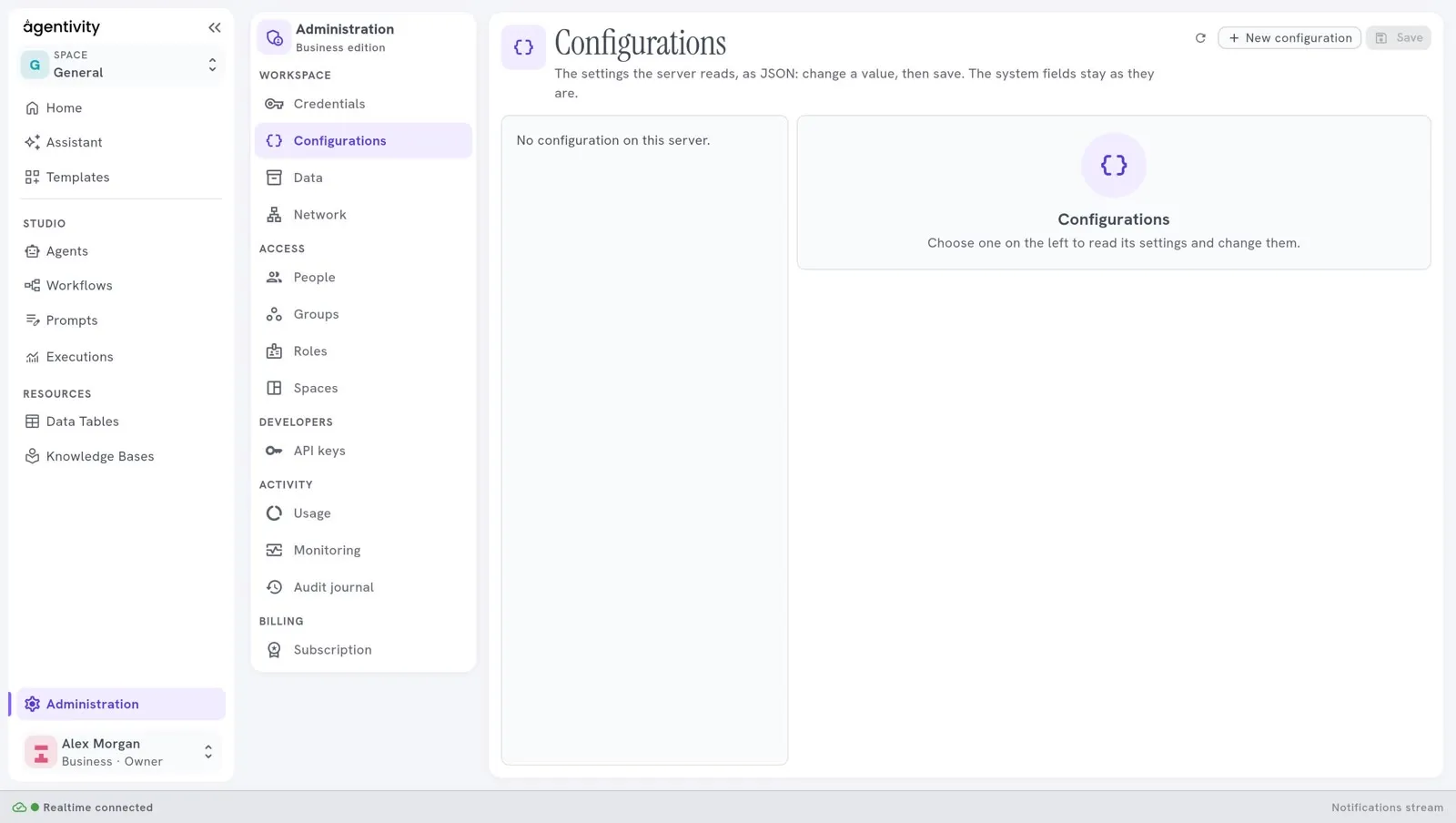
Configurations lets you look at and change settings of the server. On a new workspace the list may be empty and say “No configurations available.”
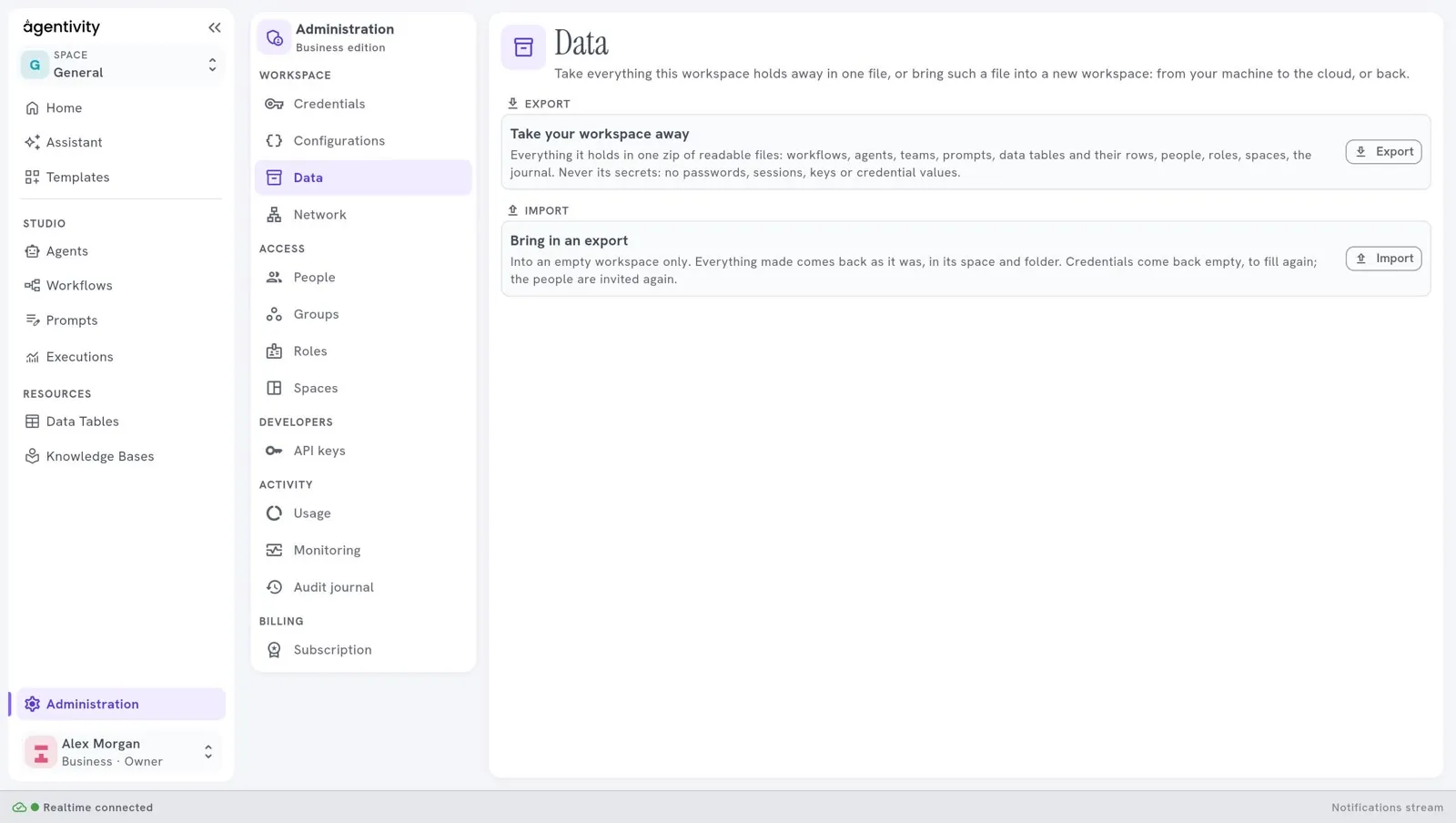
Data takes everything the workspace holds away in one file, or brings such a file into a new workspace: from your machine to the cloud, or back. Only the owner sees it.
Export gives a zip of readable files:
- workflows, agents, teams and prompts;
- Data Tables and their rows;
- people, roles and spaces;
- the journal.
The file never holds a secret: your credentials are not in it.
Import works on an empty workspace only. Everything comes back in its space and its folder. What cannot come back whole is said when it is done:
- the credentials come back empty: the message says how many to fill again in Credentials;
- the people are not copied with their password: the message lists those to invite again in People;
- Knowledge Bases read their sources again;
- what the edition of the new workspace does not have is left in the file, and the message says what.
How to know it worked: an import ends with a message that starts with Brought in: and lists what came in. This message was read in the code, not seen.
Network
Section titled “Network”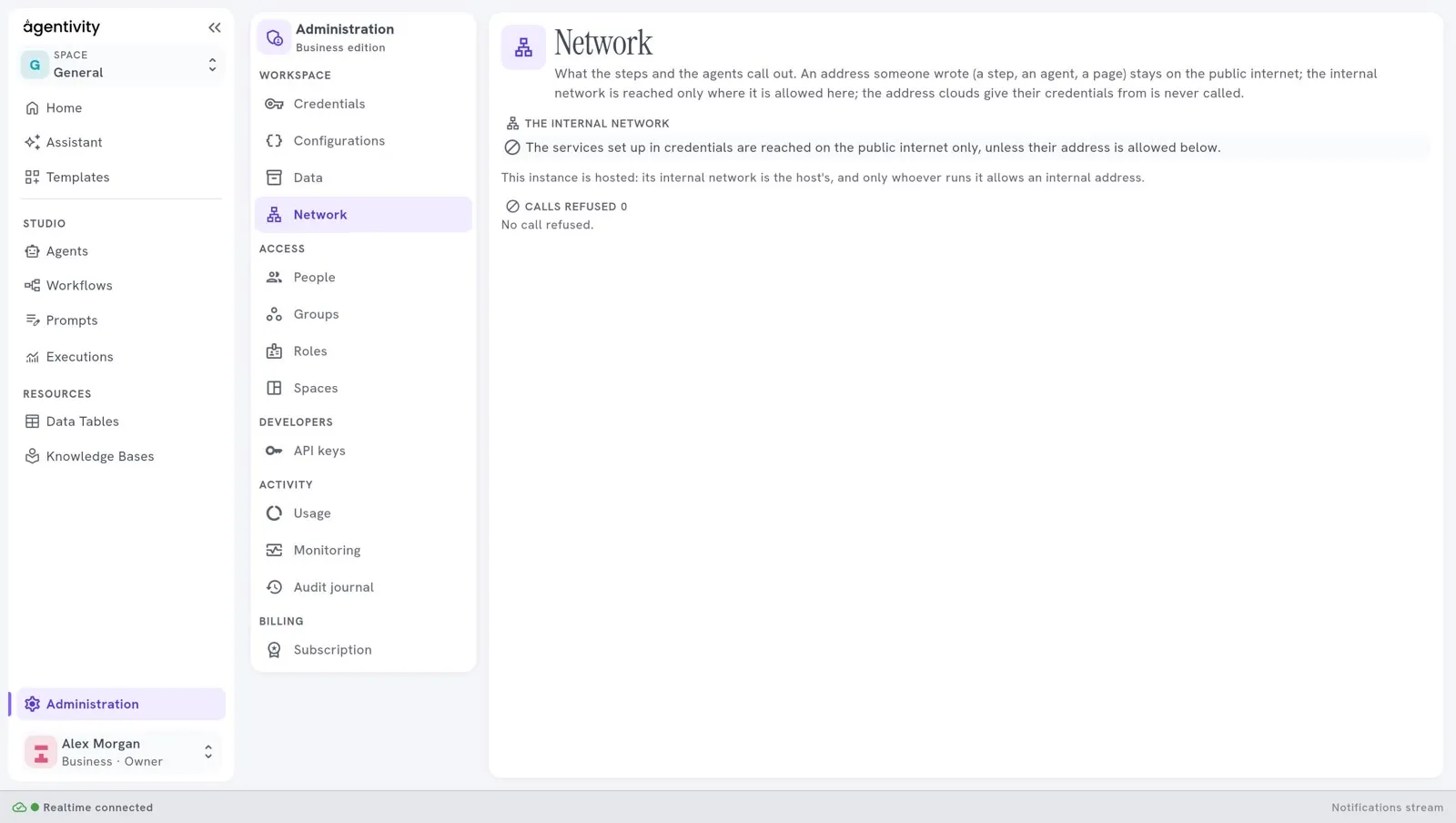
Network is about the calls that your steps and agents make to the outside. It shows the addresses your workspace refused, in a list Calls refused, so that you can see what an agent tried to reach. An address of the internal network is allowed only where the person who runs the workspace allows it. On a hosted workspace, the internal network is the host’s: only Agentivity can allow an internal address.
The pane needs a sign-in and the right to manage settings.