
One app for one job, or one portal for all
Once a solution works in the Studio, other people can use it. There are three ways to give it to them.
The three ways
Section titled “The three ways”| Way | What people see | What it takes |
|---|---|---|
| No app | You, or a colleague who knows the Studio, start the solution from the Studio. It comes back to a person only when a decision is needed. | Nothing more. |
| The portal | One web page that lists the solutions you chose. A person picks one and talks to it. | Setting up the portal application once. |
| An application of your own | An application built for one job, with its own screens. Trip Planner is the example. | A developer and the Agentivity SDK. |
Start with the first one. Move to the next only when the people who use the solution should not see the Studio.
The portal
Section titled “The portal”The portal is a ready-made web application. It shows a welcome screen with one card per solution.
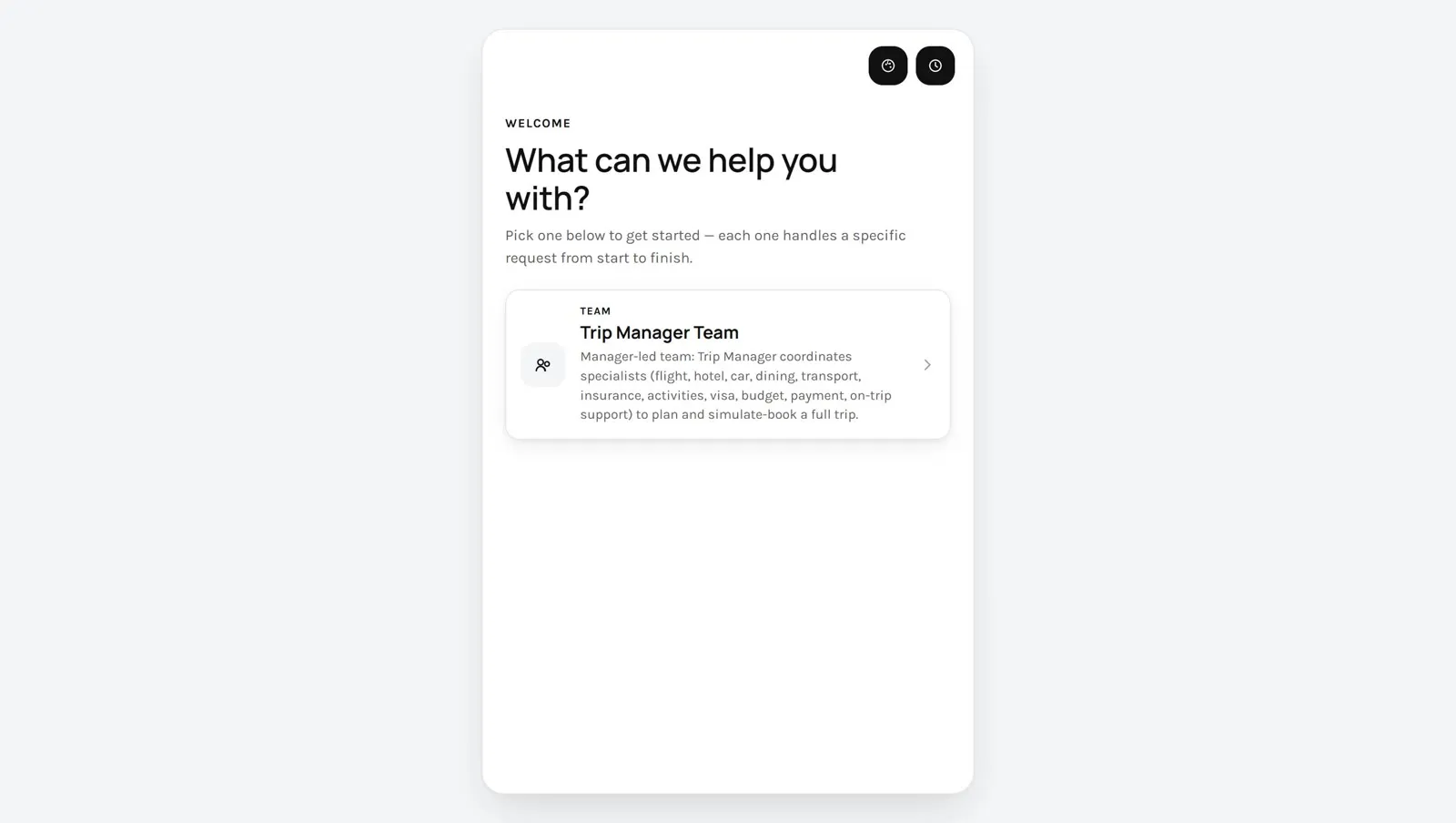
A person selects a card and writes a request. The conversation is on the left. When the solution is a team, the team is drawn on the right.
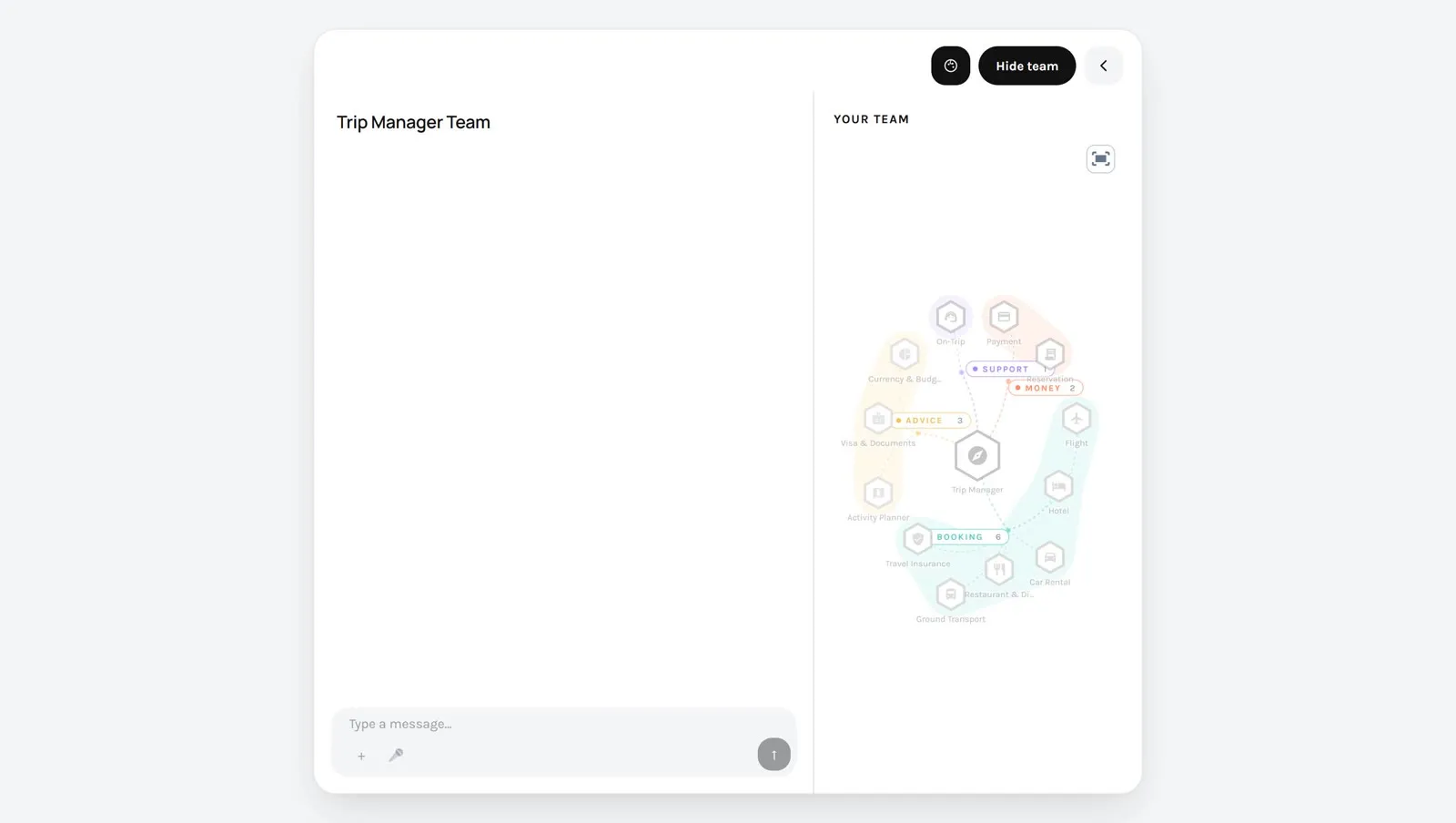
- What it lists. The agents, teams and workflows that carry the tag
solutionin your Studio. See Show a team in the portal. - Your brand. A developer sets the name, the logo and the colours in one file.
- A history. The portal keeps the list of past conversations.
The portal is an example application, published with its source. A developer installs it next to your Agentivity server. See Start a VibeApp with the React SDK.
An application of your own
Section titled “An application of your own”When a job deserves its own application, a developer builds it with the SDK. The application decides which solution it talks to, and adds its own screens around the conversation: a list of trips, a detail page, a payment step.
Trip Planner is published as an example, with its source. It talks to one team, the Trip Manager Team showcase, and reads two data tables to list the trips.
How to choose
Section titled “How to choose”- A few colleagues, who can open the Studio: no app.
- Several solutions, for colleagues or customers who must not see the Studio: the portal.
- One job that people do often, and that needs its own screens: an application of your own.
One thing to know before you share
Section titled “One thing to know before you share”Agentivity has no login. An application that talks to your server can start any solution and read any table. Before people outside your team use a portal or an application, read Before you put a VibeApp online.