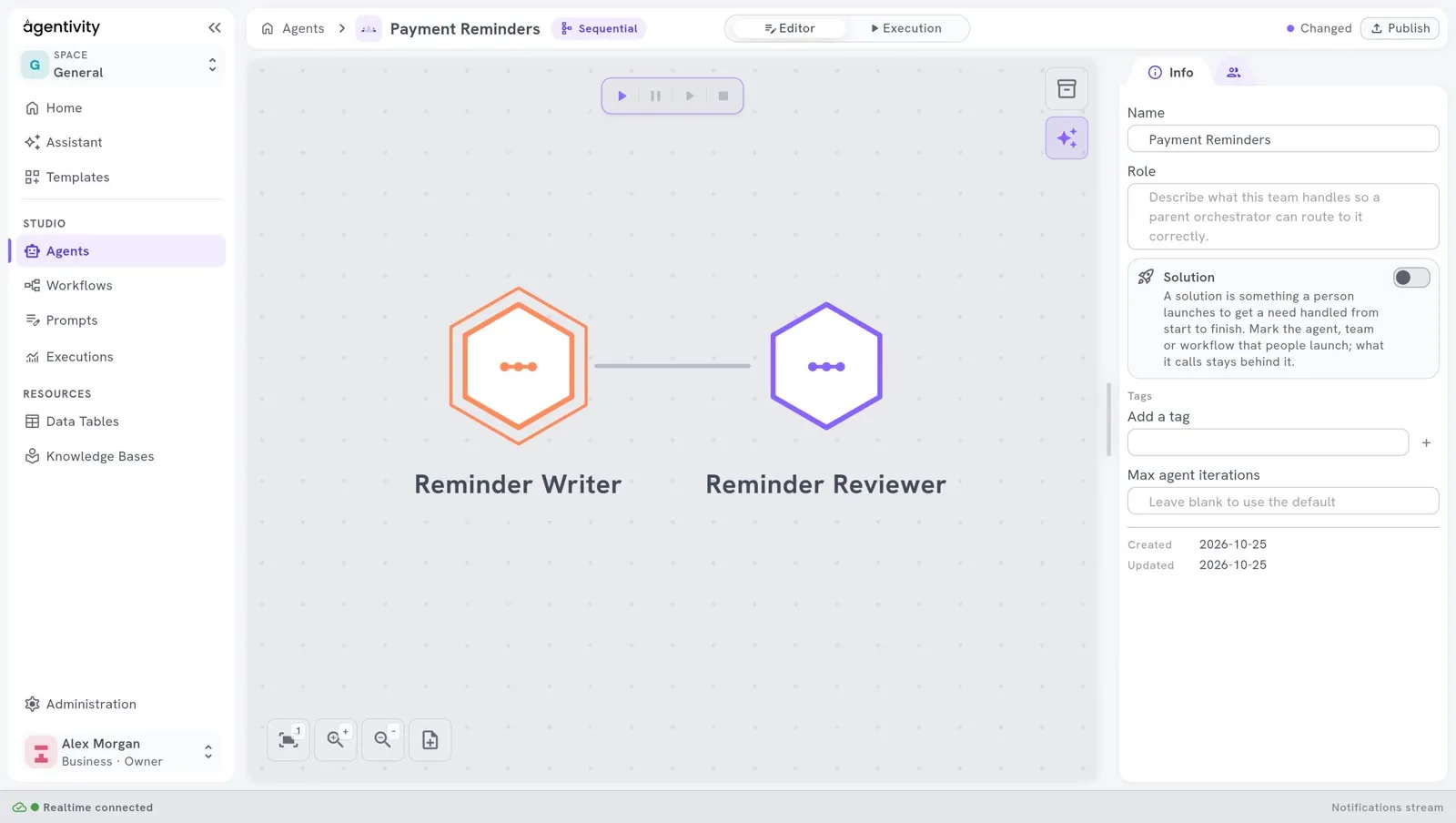
Name, group and give an icon to team members
In a team with many members, the drawing becomes hard to read. You can give each member an icon, and put related members in a group. This changes only how the team looks: it does not change how the members work. It does not change what a member gives to the team either: its answer, and its named outputs. See Use a team or a workflow as a member.
The name of a member is shown in the answer of a Concurrent team: each answer comes after the name of its member.
What you need
Section titled “What you need”- A team open in its editor, with its members. See Create a team of agents.
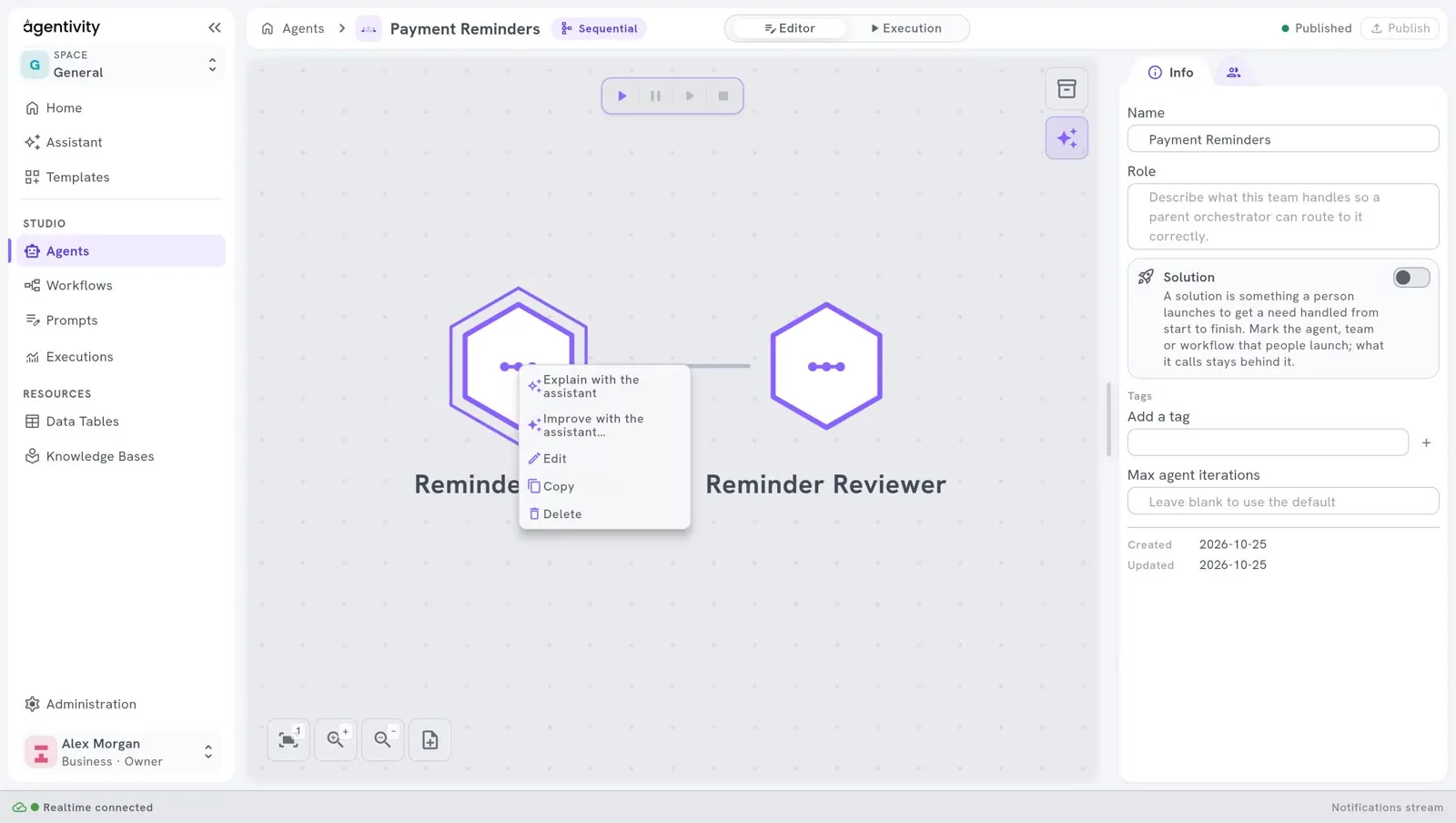
Open the window of a member
Section titled “Open the window of a member”- On the canvas, right-click the hexagon of the member.
- Select Edit.
A window opens with the name of the member and the line “How this member looks in this team.”
The same menu has Copy, Delete, and two entries that open the Assistant on this member.
Put members in a group
Section titled “Put members in a group”Members of a group are drawn together and share a colour. Use groups to show the parts of a team. For example, in a team that follows unpaid invoices: one group Writing, one group Checks.
- In the window of the member, under Group, type the name of the group in Name.
- Choose the Color of the group among the colours proposed, or select Custom… to choose another one.
- Select Save.
- Do the same for each member of the group, with exactly the same name.
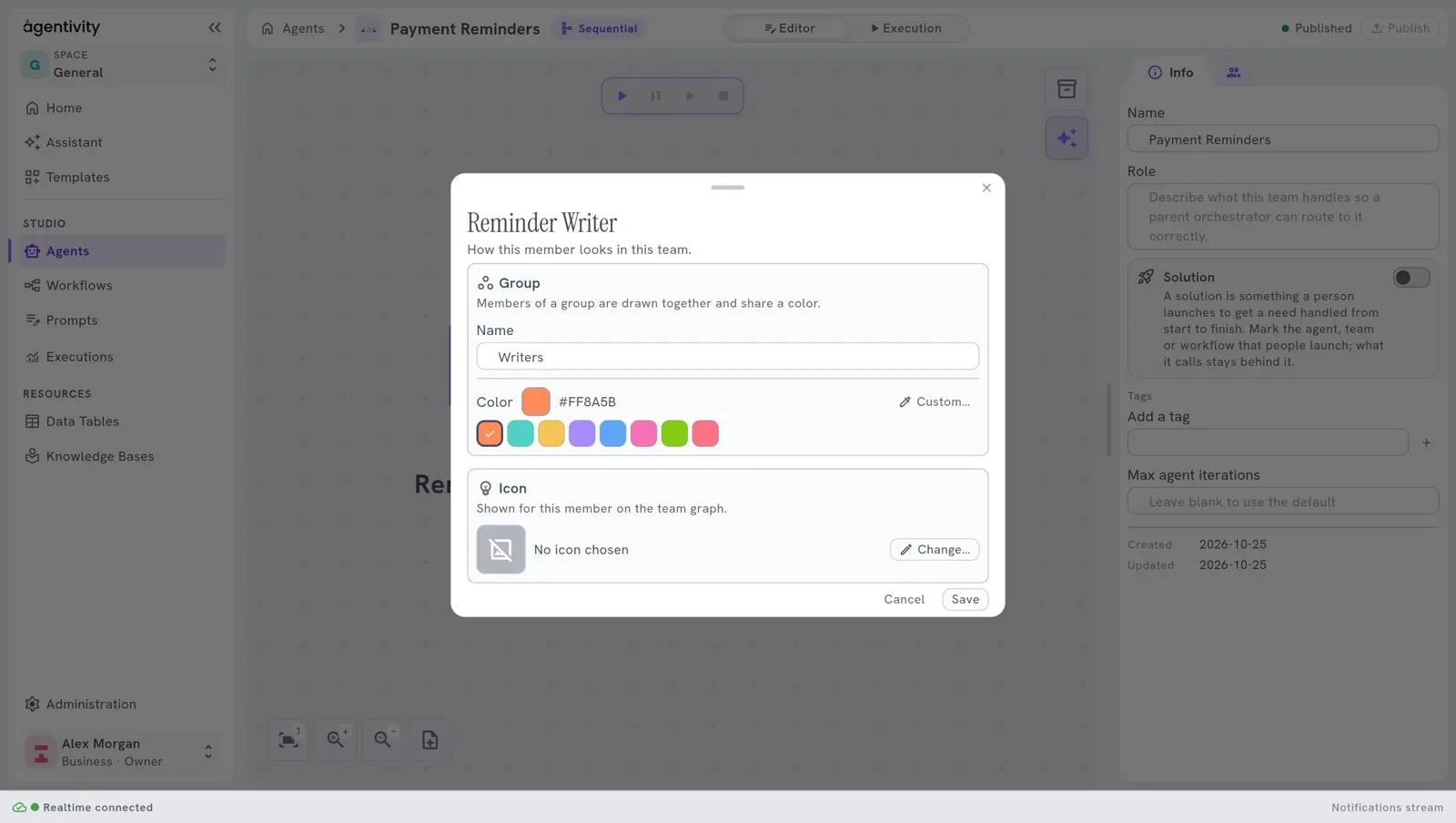
Leave Name empty for a member that belongs to no group.
Give a member an icon
Section titled “Give a member an icon”- In the window of the member, under Icon, select Change…
- Choose an icon.
- Select Save.
The icon is shown on the hexagon of this member, in this team. The same agent can have another icon in another team.
Remove a member
Section titled “Remove a member”- Right-click the hexagon.
- Select Delete.
This removes the member from the team. The agent itself stays in your workspace.
Select Publish, at the top right.
How to know it worked
Section titled “How to know it worked”On the canvas, the hexagons of a group take its colour, and the members of a group are drawn together on a soft tint, with the name of the group. Each member shows its icon.